What Is Motion Graphics Design? A Complete Beginner’s Guide
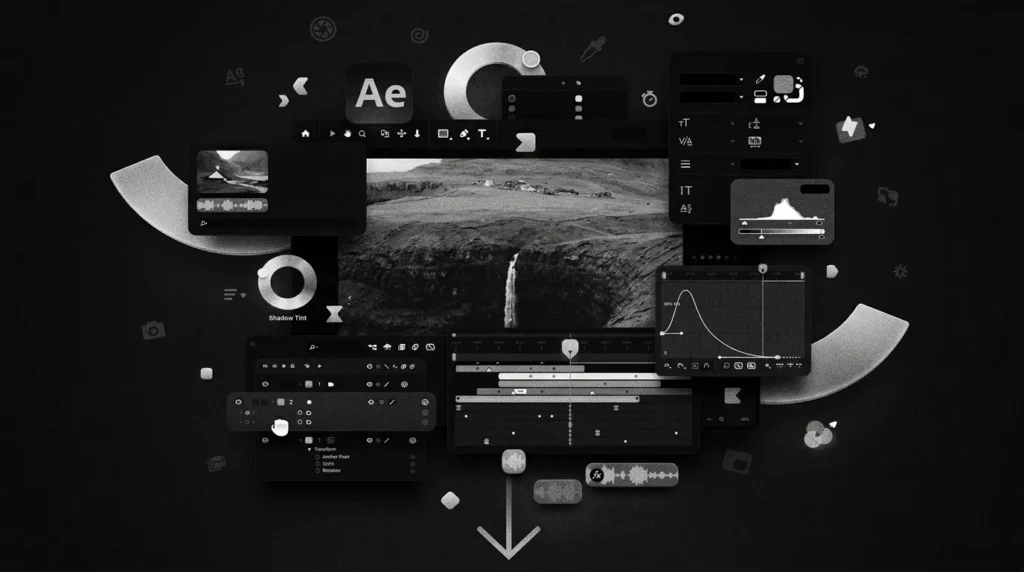
You see motion graphics every day, even if you have never heard the term. The animated logo at the start of a YouTube video is one. So are the moving charts in a news report, the app onboarding screens, and the short product explainer on a website.
So, what is motion graphics design? In simple words, motion graphics design is the process of animating graphic elements such as text, shapes, icons, logos and illustrations, usually with sound, to communicate a message in a short, engaging video.
In this guide you will learn what motion graphics are, how they differ from animation, the main types, the tools designers use, and how your business can use them to get attention and results.
In this guide:
- What is motion graphics design?
- Motion graphics vs animation
- Key elements of motion graphics
- Types of motion graphics
- Where motion graphics are used
- Benefits for businesses
- Tools and software
- How the process works
- Best practices
- How to choose a motion graphics agency
- FAQs
What Is Motion Graphics Design?
Motion graphics design is a branch of graphic design that adds movement to static visuals. Instead of a flat logo or a still infographic, a motion graphic moves, changes shape, fades, slides and reacts to sound or music.
Unlike live-action film, motion graphics are usually built from designed elements rather than footage of real people. Unlike a traditional cartoon, they rarely tell a story through characters. Their main job is to explain, inform or promote something clearly and quickly.
The field has a long history. Designers such as Saul Bass shaped early motion design through film title sequences, and today the discipline covers everything from social media ads to app interfaces. For a broader academic definition, see motion graphics on Wikipedia.
Motion Graphics vs Animation: What Is the Difference?
People often use these terms as if they mean the same thing. They overlap, but they are not identical.
| Motion Graphics | Animation | |
| Focus | Graphic elements, text, icons, data | Characters, stories, worlds |
| Purpose | Explain, promote, inform | Entertain, tell a story |
| Typical length | 15 seconds to 2 minutes | 1 minute to feature length |
| Examples | Logo reveal, explainer, animated infographic | Cartoons, animated films |
| Production time | Shorter | Usually longer |
All motion graphics are a type of animation, but not all animation is motion graphics. If your goal is to explain a product or strengthen a brand quickly, motion graphics are usually the better fit.
Key Elements of Motion Graphics Design
Every good motion graphic is built from a few core elements:
- Typography: animated text, often called kinetic typography, that carries the message.
- Shapes and icons: simple vector elements that make ideas easy to follow.
- Colour: a palette that matches the brand. If you want to go deeper, read our guide on colour theory basics and building a palette.
- Timing and easing: how fast or slow elements move, which creates rhythm and feel.
- Sound design: music, voice-over and sound effects that make the visuals land.
- Transitions: how one scene flows into the next.
Types of Motion Graphics
Different goals call for different formats. These are the most common types:
- Explainer videos: short videos that break down a product, service or idea.
- Logo animation / logo reveal: a brand’s logo coming to life, used in intros and outros.
- Kinetic typography: text-driven videos, popular for quotes, lyrics and ads.
- Animated infographics: data, charts and statistics turned into moving visuals.
- Social media motion posts: short, looping videos for Instagram, LinkedIn and YouTube.
- UI / app animations: micro-interactions such as button effects, loaders and screen transitions.
- Title sequences and lower thirds: the animated titles and name tags used in films and videos.
- 2.5D and 3D motion graphics: layered or three-dimensional visuals. Read more in our post on what is 3D design.
Where Are Motion Graphics Used?
Motion graphics are used in almost every industry:
- Marketing and advertising: product ads, social media reels and campaign videos.
- Websites and landing pages: hero animations that explain an offer in seconds.
- Corporate communication: presentations, training and internal videos.
- Education: e-learning modules and tutorials.
- Film, TV and YouTube: intros, titles and graphics.
- Apps and software: onboarding flows and interface animation. Research from Nielsen Norman Group shows how animation and motion improve user experience when used with purpose.
Benefits of Motion Graphics for Your Business
Why do brands invest in motion graphics?
- They explain complex ideas fast. A 60-second video can replace pages of text.
- They hold attention. Moving visuals stand out in a crowded feed or page.
- They build brand recall. Consistent animated style makes a brand easy to recognise. See our tips on how to maintain brand consistency.
- They work across channels. The same asset can be used on your website, ads, social media and presentations.
- They are flexible and cost-effective. There are no actors, locations or heavy equipment, and edits are easy.
- They support conversions. A clear video on a landing page helps visitors understand your offer and take action.
For a brand-focused view, read our article on motion graphics for brands.
Popular Motion Graphics Software and Tools
Designers use a mix of tools depending on the project:
- Adobe After Effects: the industry standard for 2D motion graphics and visual effects.
- Adobe Illustrator and Photoshop: for creating the vector and raster assets that get animated.
- Cinema 4D: widely used for 3D motion design.
- Blender: a free, open-source 3D and animation suite.
- Premiere Pro / DaVinci Resolve: for final editing, colour and sound.
- Lottie: a lightweight animation format for websites and apps.
How Does the Motion Graphics Process Work?
A professional motion graphics project usually follows these steps:
- Brief and goal setting: define the audience, message and where the video will be used.
- Scriptwriting: write a short, clear script. Every second counts.
- Storyboarding: sketch each scene to plan flow and timing.
- Style frames and design: create the key visuals, with colours, fonts and icons.
- Animation: bring the designed elements to life in software like After Effects.
- Sound design and voice-over: add music, effects and narration.
- Review and revisions: refine timing, text and visuals.
- Final export: deliver in the right formats and sizes for every platform.
Motion Graphics Design Best Practices
- Keep it short. Aim for 30 to 90 seconds for most business videos.
- One idea per scene. Do not overload the screen.
- Stay on brand. Use your own colours, fonts and tone.
- Make text readable. Use strong contrast and hold text on screen long enough to read.
- Design for sound-off viewing. Add captions, since many people watch on mute.
- Use natural motion. Smooth easing feels better than stiff, linear movement.
- Optimise for each platform. Use 16:9 for YouTube and websites, and 9:16 or 1:1 for social.
- Have a clear call to action at the end.
How to Choose a Motion Graphics Agency
Not every studio is the right fit. Before you hire, check these:
- Portfolio quality: do they show real, relevant work? Browse our own motion graphics work as a reference point.
- Strategy, not just visuals: a good team asks about your goals before opening the software.
- Process and timelines: clear steps, clear revision rounds.
- Range of skills: design, video and sound under one roof saves time and keeps quality consistent.
Our guide on how to choose a video editing agency covers many of the same questions.
Frequently Asked Questions
What is motion graphics design in simple words?
It is the design of moving graphics. Text, shapes, icons and logos are animated, usually with sound, to explain or promote something in a short video.
Is motion graphics the same as animation?
No. Motion graphics focus on animating graphic elements to communicate information. Traditional animation focuses more on characters and storytelling.
What software is used for motion graphics?
Adobe After Effects is the most common. Others include Cinema 4D, Blender, Illustrator and Premiere Pro.
How long does it take to make a motion graphic video?
A short 30 to 60 second video usually takes one to three weeks, depending on complexity, style and revisions.
How much does motion graphics design cost?
Cost depends on length, style (2D or 3D), voice-over and complexity. A simple logo animation costs far less than a detailed 3D explainer.
Are motion graphics good for marketing?
Yes. They explain ideas quickly, hold attention on social media and websites, and help build brand recognition.
Can small businesses use motion graphics?
Absolutely. Even a short animated logo or a 30-second explainer can make a small brand look professional.
Final Thoughts
So, what is motion graphics design? It is the craft of turning graphics, text and ideas into moving visuals that explain, engage and persuade. Whether you need a logo animation, an explainer video or a set of social media motion posts, it is one of the most effective ways to make your brand memorable.
At Maglo Media, a creative and branding agency in Rajkot, we design motion graphics that are strategic, on brand and built to perform. Explore our portfolio to see what we create, or start a project with us and let’s bring your brand to life.