Editing Skills Every Content Producer Needs
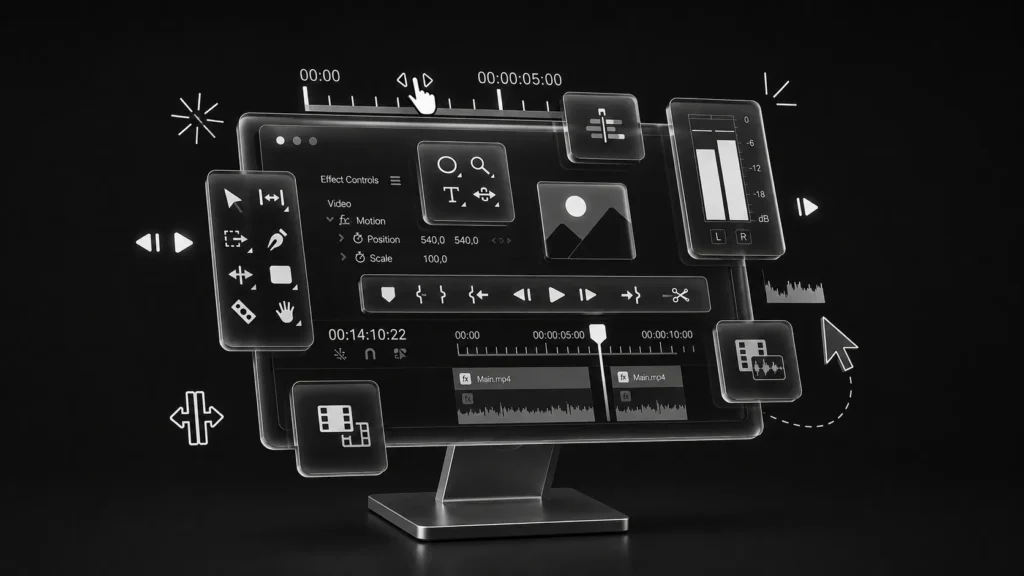
Creating great content doesn’t end after filming or designing it truly comes to life during the editing process. Understanding Editing Skills Every Content Producer Needs helps creators transform raw footage, graphics, and audio into polished, engaging content that captures attention. Whether you’re producing videos for social media, YouTube, advertisements, or corporate branding, strong editing skills improve quality, strengthen storytelling, and enhance audience engagement.
Why Editing Skills Matter
Editing is where creativity meets technical expertise. It determines the pace, clarity, and emotional impact of your content.
Professional editing ensures every visual, sound effect, and transition contributes to the overall message while maintaining a polished brand image.
Core Editing Skills Every Creator Should Master
Successful content producers should develop skills in:
- Video trimming and sequencing
- Color correction and color grading
- Audio cleanup and balancing
- Motion graphics integration
- Typography and text animation
- Story pacing and transitions
- Export optimization for different platforms
Mastering these fundamentals significantly improves production quality.
Software That Helps Build Editing Skills
Industry-standard editing tools include:
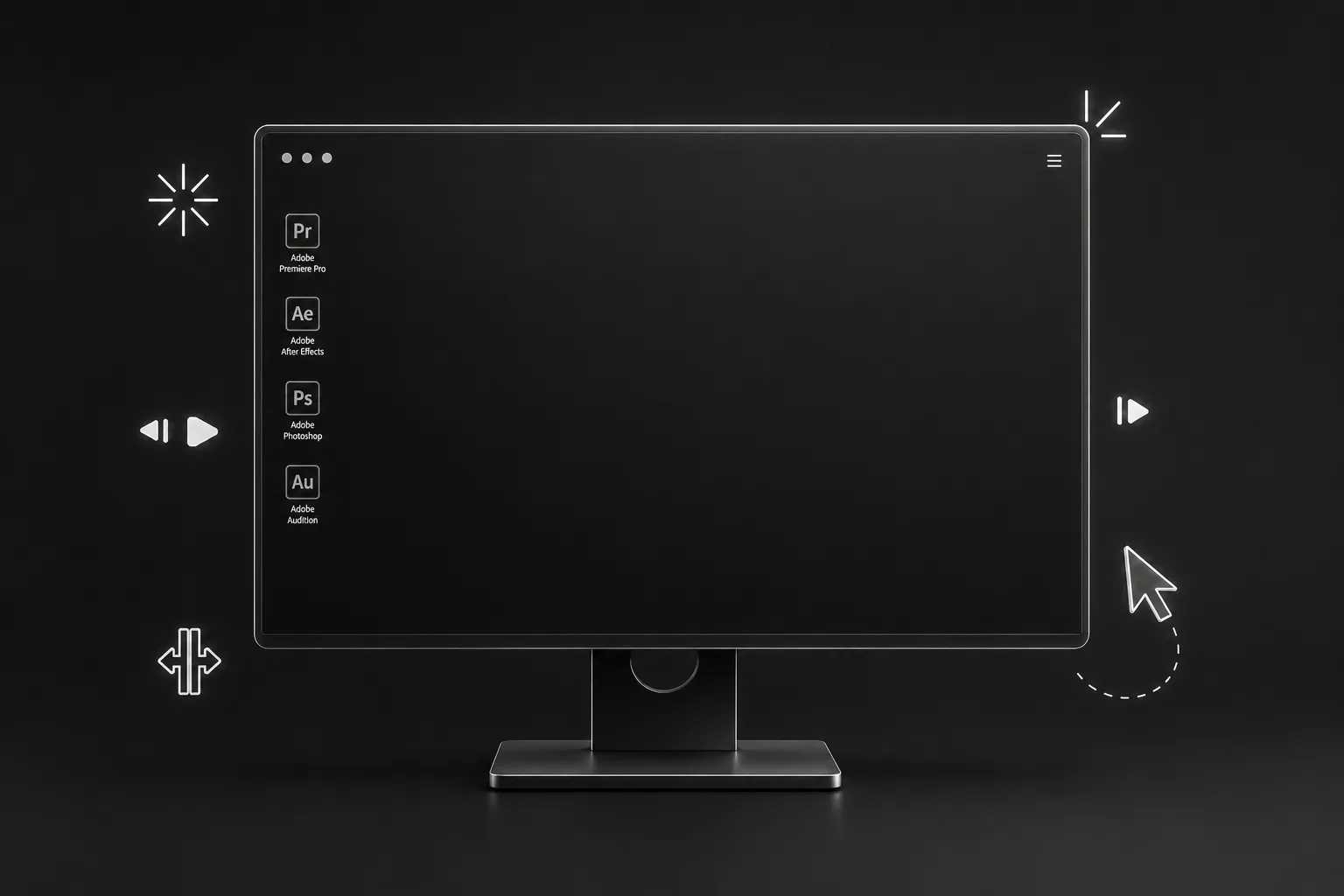
- Adobe Premiere Pro
- Adobe After Effects
- Adobe Photoshop
- Adobe Audition
Learning these tools gives beginners a solid foundation for professional content production.
Essential Editing Skills Every Content Producer Needs
Developing Editing Skills Every Content Producer Needs requires understanding both creative storytelling and technical precision.
Essential Editing Skills Comparison
| Skill | Purpose | Recommended Tool |
| Video Editing | Arrange clips and storytelling | Adobe Premiere Pro |
| Motion Graphics | Animated titles and effects | Adobe After Effects |
| Color Grading | Professional visual appearance | DaVinci Resolve |
| Audio Editing | Clear and balanced sound | Adobe Audition |
| Image Retouching | Graphic and thumbnail editing | Adobe Photoshop |
These skills work together to create visually appealing and professional content.
Practical Editing Techniques
Use these techniques in every project:
- Remove unnecessary footage.
- Keep transitions smooth and purposeful.
- Match colors across all clips.
- Normalize audio levels.
- Add subtitles for accessibility.
- Use motion graphics only when they enhance the message.
- Export videos in platform-optimized formats.
Consistent practice is the fastest way to improve editing quality.
Benefits, Tips, and Common Mistakes
Learning Editing Skills Every Content Producer Needs increases both creative confidence and production efficiency.
Benefits of Strong Editing Skills
Professional-looking content
Better audience engagement
Stronger visual storytelling
Improved brand consistency
Faster production workflow
Higher client satisfaction
Greater career opportunities
Tips to Improve Your Editing Skills
Follow these best practices:
- Learn keyboard shortcuts to edit faster.
- Study professionally edited videos.
- Keep your timeline organized.
- Practice color grading regularly.
- Use high-quality audio and visuals.
- Review your edits before publishing.
- Stay updated with editing software features.
Common Editing Mistakes to Avoid
Avoid these mistakes:
- Overusing transitions and effects
- Ignoring audio quality
- Inconsistent color correction
- Editing without a clear story
- Using low-resolution assets
- Exporting in incorrect formats
Simple, clean edits often outperform overcomplicated productions.
FAQ Section
What are the most important editing skills for content producers?
Video editing, color grading, audio editing, motion graphics, and storytelling are the most valuable skills for creating professional content.
Which editing software should beginners learn first?
Adobe Premiere Pro and DaVinci Resolve are excellent starting points because they offer professional editing capabilities and are widely used across the industry.
Is color grading important for content production?
Yes. Color grading enhances the visual style, creates consistency, and helps establish a professional brand identity.
How can I improve my editing skills quickly?
Practice consistently, analyze professional videos, learn keyboard shortcuts, and complete real-world editing projects to build experience.
Do content producers need to know motion graphics?
Basic motion graphics skills are highly valuable because animated titles, lower thirds, and transitions make videos more engaging and visually appealing.
Conclusion
Mastering Editing Skills Every Content Producer Needs is essential for creating high-quality content that captures attention and communicates effectively. From video editing and color grading to audio enhancement and motion graphics, each skill contributes to a polished final product.
Start by learning one editing tool at a time, focus on storytelling, and practice regularly. As your confidence grows, you’ll produce content that not only looks professional but also delivers stronger results for brands, businesses, and audiences.