What’s the Difference Between UI and UX?
If you’ve ever wondered what’s the difference between UI and UX, you’re not alone. These two terms are often used together, but they represent different aspects of digital product design. While UI focuses on how a website or app looks, UX is about how users interact with it and how they feel during that experience. Understanding the distinction helps businesses create products that are both visually appealing and easy to use.
Understanding UI and UX
Although UI and UX work together, each has a unique role in creating successful digital products.
What Is UI Design?
UI (User Interface) Design focuses on the visual elements users interact with.
These include:
- Buttons
- Icons
- Typography
- Color schemes
- Images
- Navigation menus
- Layouts
- Interactive components
A well-designed UI creates an attractive and consistent appearance that supports the overall user experience.
What Is UX Design?
UX (User Experience) Design focuses on the complete journey users have while interacting with a website or application.
UX designers work on:
- User research
- Information architecture
- Wireframes
- User flows
- Prototypes
- Usability testing
- Accessibility
- Performance optimization
Understanding what’s the difference between UI and UX begins by recognizing that UX solves problems, while UI presents the solution visually.
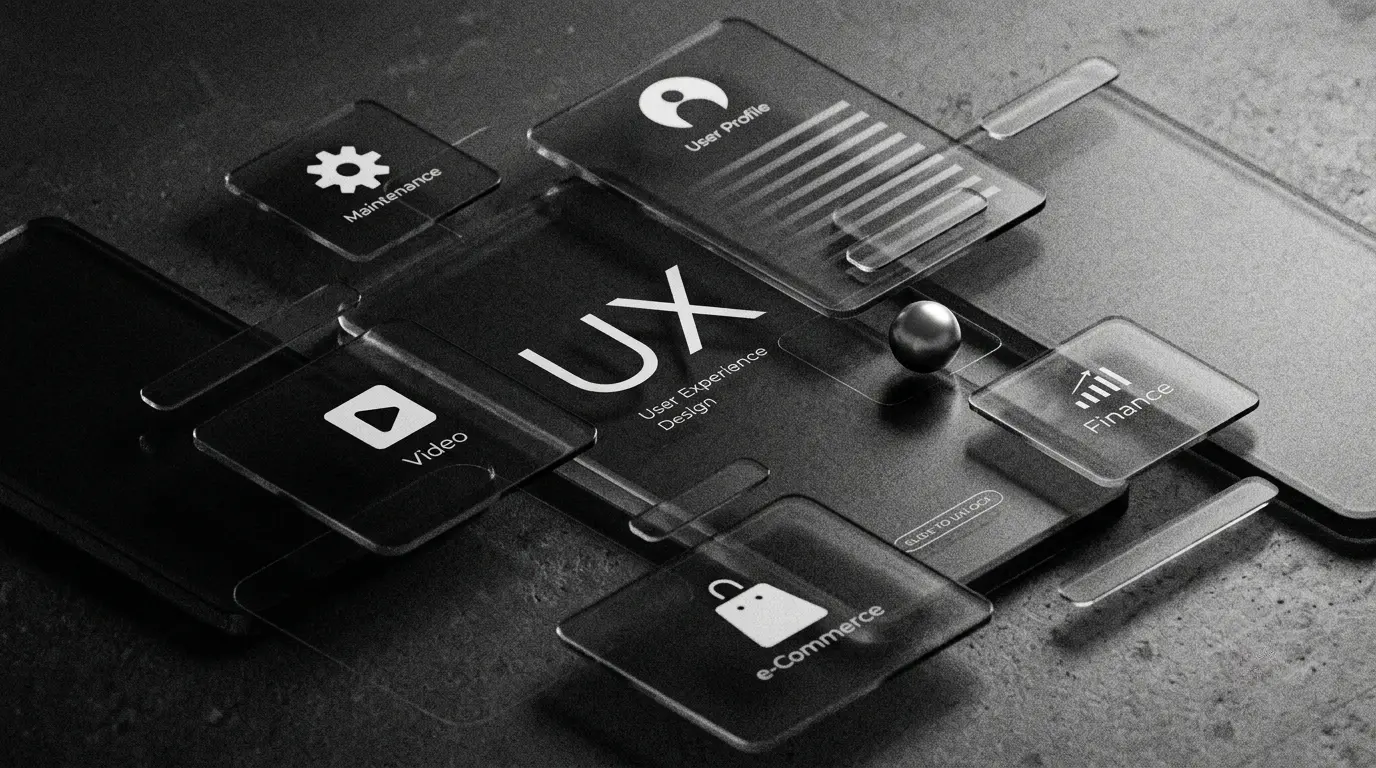
Figma is a collaborative design tool used to create website and app interfaces, wireframes, prototypes, and design systems. It helps UI/UX designers plan the visual appearance and user experience of a digital product before development begins.
UI vs UX: Key Differences
UI and UX complement each other but have different responsibilities.
UI vs UX Comparison
| UI Design | UX Design |
| Focuses on appearance | Focuses on user experience |
| Creates visual layouts | Designs user journeys |
| Uses colors, typography, and graphics | Conducts user research and testing |
| Builds interactive elements | Improves usability and accessibility |
| Enhances visual appeal | Enhances customer satisfaction |
A successful website combines both disciplines to deliver an engaging and intuitive experience.
How UI and UX Work Together
The best digital products combine attractive design with excellent usability.
The design process usually includes:
- User research
- Wireframing
- Prototyping
- UI design
- Development
- Usability testing
- Continuous improvement
Following this workflow ensures businesses fully understand what’s the difference between UI and UX while creating products users enjoy.
Benefits and Common Mistakes
Combining strong UI and UX improves both customer satisfaction and business performance.
Benefits of Good UI and UX Design
- Better user engagement
- Higher conversion rates
- Improved accessibility
- Faster navigation
- Stronger brand perception
- Lower bounce rates
- Increased customer loyalty
Common UI and UX Mistakes
- Prioritizing visuals over usability
- Ignoring user research
- Complicated navigation
- Inconsistent design elements
- Poor mobile responsiveness
- Skipping usability testing
UI and UX Design Checklist
- Research user needs
- Create wireframes
- Design intuitive navigation
- Maintain visual consistency
- Optimize for mobile devices
- Test with real users
- Improve based on feedback
FAQ Section
What does UI stand for?
UI stands for User Interface, which includes all the visual elements users interact with on a website or application.
What does UX stand for?
UX stands for User Experience, referring to the overall experience users have while interacting with a digital product.
Which is more important, UI or UX?
Neither is more important. A great digital product requires both excellent UI and a seamless UX to satisfy users.
Can a website have good UI but poor UX?
Yes. A website may look beautiful but still frustrate users if navigation, performance, or usability is poor.
Why should businesses invest in both UI and UX?
Investing in both creates engaging, user-friendly products that improve customer satisfaction, increase conversions, and strengthen brand credibility.
Conclusion
Understanding what’s the difference between UI and UX is essential for building successful websites and applications. UI makes a product visually attractive, while UX ensures every interaction is smooth, meaningful, and user-friendly. Together, they create experiences that keep visitors engaged and encourage long-term customer loyalty. Whether you’re launching a new website or redesigning an existing one, prioritizing both UI and UX will help deliver better results for your business and your users.